Pop Up Marketing Host
STEP 1: Sign up
Sign up for BudVizion. It’s Free!
Apply to stream!
Get approved: DM budvizion if any Questions.
STEP 2: Create Show
Each POP UP Location is a show.
Create multiple shows for multiple products with links going to the dispensary website those pages are on.
STEP 3: Go live
Each Product you sell should be a short show at the dispensary with a link to the customers webpage that has your product on it for sale.
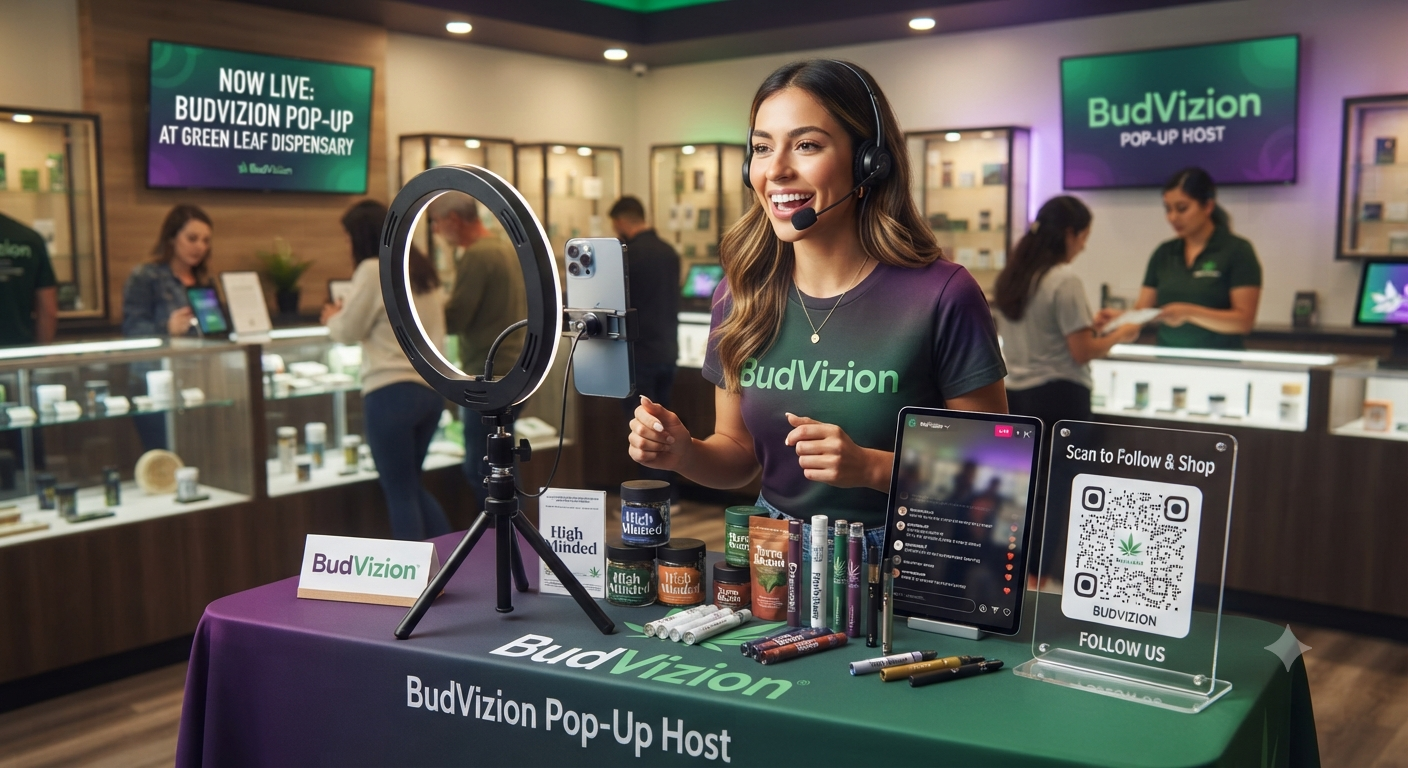
Getting Started With BudVizion
Getting Started With BudVizion
Q: How do I sign up for BudVizion?
A: Sign up for BudVizion for free and choose a handle that matches your brand
or the products you represent. For example, if you sell for STIIIZY in New York,
you might use a handle like missstizzynyc. This will be your
identity on the platform.
Q: How do I get streaming access?
A: After you create your account and handle:
- Go to your profile page.
- On the right side, click “Sign up to sell.”
- Fill out the popup form with your details.
- Submit and wait for approval.
Once you are approved, your account will have streaming access and you can start
hosting live shows.
Choosing How You Sell
Q: Do I have to be a brand to stream on BudVizion?
A: No. You have two options:
- Sell your own products: If you already represent specific brands
or SKUs, you can stream directly featuring those products. - Sign up as an influencer: Apply as an influencer to gain access
to hundreds of products in the BudVizion catalog that you can feature in your shows
and earn commissions on.
Setting Up Pop-Up Live Shows
Q: How do I use BudVizion for my in-store pop-up marketing?
A: For pop-up events, you’ll want to preload your shows so everything is ready
before you hit the dispensary:
Create a show for each location you visit. In the show information, include:
- Dispensary name
- Location
- Date and time you’ll be there
Add the purchase link:
- The “buy” link in your show should go directly to the dispensary webpage where
that product is sold. - If you sell multiple products in that dispensary, create separate shows and point
each show’s link to the specific product page on the store’s site.
Reuse your shows:
- You can save shows and reuse them the next time you’re at the same store.
- If you have 8 products, create 8 short shows (a few minutes each), each with its
own product and link.
This setup makes it easy for shoppers to click straight through to the dispensary’s
website to buy, while you’re live and after your stream ends.
Download the Document that says why here!
Running the Pop-Up In Store
Q: What should I tell the dispensary manager?
A: Let the store manager know that:
- You are doing live shows that feature products sold in their dispensary.
- The “buy” clicks from your BudVizion stream link directly to their website and
product pages. - Your goal is to drive more customers to purchase from their store (both during
and after the event).
Q: How do I capture customers and followers while I’m in the store?
A: While you are at the pop-up:
- Use a QR code that links directly to your BudVizion profile or a signup page
under your account. - Encourage shoppers to scan and sign up, follow you, and follow the dispensary
you’re at. - You can get a custom QR card: just email or DM us and we can send you a custom
card for free to use at your table.
Q: How often should I go live during a pop-up?
A: Stagger your shows throughout your shift:
Example: If you have 8 shows and you’ll be in the dispensary for 5 hours, run a show
about every 30 minutes. This spacing gives you time to engage in-store customers
between streams while reaching a larger online audience across the day.
Discoverability and the Halo Effect
Q: What if I don’t have followers on BudVizion yet—how will people find me and click?
A: Every time you go live, your live stream is automatically recorded and turned into
a shoppable product video in the stream store. It stays there until you delete it,
which means:
- New viewers can discover and watch your content later.
- Links to the products remain active, continuing to send traffic to the dispensary’s
website even after you go offline.
Q: What if no one clicks or views for a while?
A: Live stream shopping has a halo effect:
- A viewer might see your content on one platform and then choose to buy on another
(for example, watching a TikTok Shop live, then buying on Amazon). - In cannabis, Gen Z and younger buyers often prefer to buy from the source (the
dispensary or brand website). - We’ve seen that people who watch live content will often go directly to the website
and buy—during rollout tests, we saw up to a 50% increase in sales directly related
to live stream shopping activity.
Even if your on-platform clicks start slow, your streaming still drives awareness and
purchases, especially when your show links directly to the dispensary product pages.
Working With Dispensaries Using Cova POS
Q: What if the dispensary uses Cova POS?
A: That’s even better. You have two main options:
- Stream on the dispensary’s BudVizion account: Ask the dispensary
if you can be a streamer on their BudVizion account. If they don’t have BudVizion
yet, tell them about it and DM us. If they sign up through your referral, we’ll
provide you a finder’s fee for onboarding them. - Stream from your own BudVizion account: Go live from your account
and link each show to the product page on the dispensary’s site where your product
is listed. This is how brands and field marketers drive sales through the customer’s
own account and earn larger refill orders when the product sells through.
Both approaches help the dispensary move more product while positioning you as the
specialist driving those sales.
Operating a Proper Pop-Up With BudVizion
Q: What does a “proper” BudVizion-powered pop-up look like?
A: A professional BudVizion pop-up usually follows this pattern:
- You create and preload shows for each product you’re featuring at the dispensary.
- Each show clearly names the store, date, time, and has a direct buy link to that
store’s product page. - You stagger short shows (e.g., every 30 minutes) across your shift.
- You coordinate with the store manager, explain that your clicks drive traffic to
their website, and share performance when possible. - In-store, you capture new signups and followers using a QR card linked to your
BudVizion account. - You reuse and refine shows over time for each store you visit, building a library
of content that keeps working for you.
This workflow allows you to scale your tabletop pop-up marketing without relying on
banned cannabis content on traditional social media, while still driving measurable
sales and repeat orders for the stores you support.
“`
***